
Google Review Bots: What’s Allowed, What Gets You Banned






People who search for a google review bot usually want one of two things. Some want software that helps them ask real customers for reviews and reply to them faster. Others want a program that posts reviews for them. The first is fine. The second breaks Google’s rules, and since October 2024 it can also break federal law.
This article covers both kinds of bots: how each one works, what Google’s fake engagement policy and the FTC’s 2024 rule actually say, how Google catches fake reviews, and what happens to a business that gets caught. It also lays out a legal way to automate your Google reviews and a cleanup plan if bot reviews have already hit your profile. An FAQ at the end answers the questions we hear most.
What Is a Google Review Bot?
A google review bot is an automated program that interacts with Google reviews. The term covers two very different tools.
Reply and request bots work for the business owner. They watch your Google Business Profile, alert you when a new review comes in, draft replies, and send review requests to people who actually bought from you. Legitimate review automation systems don’t invent reviews. Their focus is the request, and the quality of the service behind it. They make it easier for real customers to leave one.
Review-generation bots post reviews that no real customer wrote. They run networks of fake accounts, rotate IP addresses, and make up a location history so each account looks like a person who visited the business. Some sellers advertise that their bots simulate realistic user behavior to avoid bans. Either way, the output is a fake review.
Bots That Help You Manage Real Reviews

This is the part of review automation that grows your business without putting it at risk.
Monitoring and alerts
A monitoring tool checks your Google reviews and online reviews on other sites and tells you as soon as someone posts. You don’t have to log in to every platform each day. Many tools can also export your reviews as CSV, Excel, or JSON files, which makes it easy to spot patterns, like the same complaint about wait times coming up over and over.
Drafting replies
Responding to reviews raises customer engagement, and potential customers read your replies as closely as the reviews themselves. A good reply tool writes a first draft. A person should still check it before it goes live. Always respond professionally, especially to a bad review. A calm, specific reply that offers to make things right shows readers how you treat people when something goes wrong. Generic copy-paste replies do the opposite.
Requesting reviews at the right moment
Legitimate review management means sending requests to real customers. The best time to ask for Google reviews is right after a positive experience, when the job is done or the order has arrived. Common methods:
- SMS and email requests with a direct link to your Google review page on Google Maps. Adding a review link makes it more likely people will actually leave a review on your site.
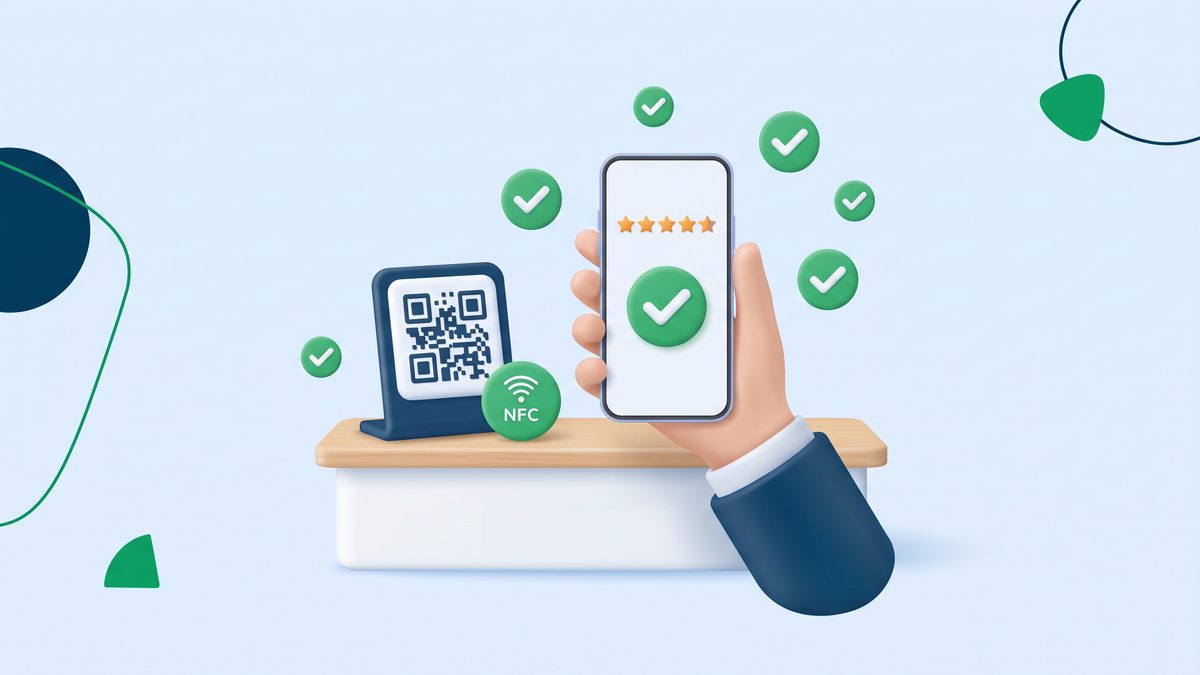
- QR codes on receipts, counters, or packaging. QR codes make it quick for a customer to leave a review while they’re still on site.
- NFC technology in table stands or cards, where a customer taps their phone and the review form opens.
These tools work because they remove friction for happy customers who were already willing to say something nice. They don’t decide what anyone writes.
Where automation crosses the line
Two practices that look like automation are still policy violations:
- Review gating. This means sending a quick survey first and only asking for a Google review when the customer expresses satisfaction. Review gating breaks Google’s policies and can lead to penalties. Send the same request to everyone.
- Incentives tied to a rating. Offering a discount for a five-star review is banned. The FTC rule also bans incentives that require a particular sentiment.
Bots That Generate Fake Google Reviews
Review-generation bots exist to flood a business profile with misleading content. Some businesses use them on their own listings to boost their ratings on Google Maps. Others point them at competitors to bury them in one-star reviews.
Some owners think of this as a shortcut to a competitive edge. In practice it’s an unfair advantage built on fake ratings, and it hurts the honest companies who compete with you. It also hurts buyers. Fake reviews distort consumer trust and decision-making, and widespread review manipulation erodes trust in online feedback as a whole.
The legal and financial exposure is real too, which is why we tell clients to stay away from these tools completely.
Is It Legal to Buy Google Reviews or Use Review Bots?
In short, no. Using a bot to write reviews, or paying someone who does, is against both Google’s rules and US law. If you buy Google reviews or fake Google reviews from a broker, the result is the same as running the bot yourself.
Google’s fake engagement policy
Google’s guidelines require all Google reviews to reflect a genuine experience. These guidelines apply to every review. Google’s policy on fake engagement bans content that isn’t based on a real experience, content posted to manipulate a place’s rating, and reviews paid for or incentivized by the business. Google has said directly that buying fake five-star reviews from people who never visited a business is strictly prohibited. That covers buying fake reviews from a “reputation” vendor, using a bot network, or asking staff to post from personal accounts.
The FTC Consumer Reviews and Testimonials Rule
On August 14, 2024, the Federal Trade Commission announced a final rule banning fake reviews and testimonials. It took effect on October 21, 2024. The rule bans:
- Creating or selling reviews from people who don’t exist (including AI-generated reviews) or who never used the business.
- Buying reviews or testimonials when the business knew or should have known they were fake.
- Paying for reviews that must express a certain sentiment.
- Undisclosed reviews from company insiders.
- Suppressing negative reviews through threats or intimidation.
The rule lets the FTC seek civil penalties against knowing violators. The maximum is adjusted for inflation every year and is roughly $53,000 per violation (it was $53,088 in 2025). Each fake review can count as a separate violation, so heavy fines add up fast. Buying reviews outside the US is risky too. EU consumer-protection law also bans fake reviews and testimonials, and other countries have similar rules.
How Does Google Detect Fake Reviews?
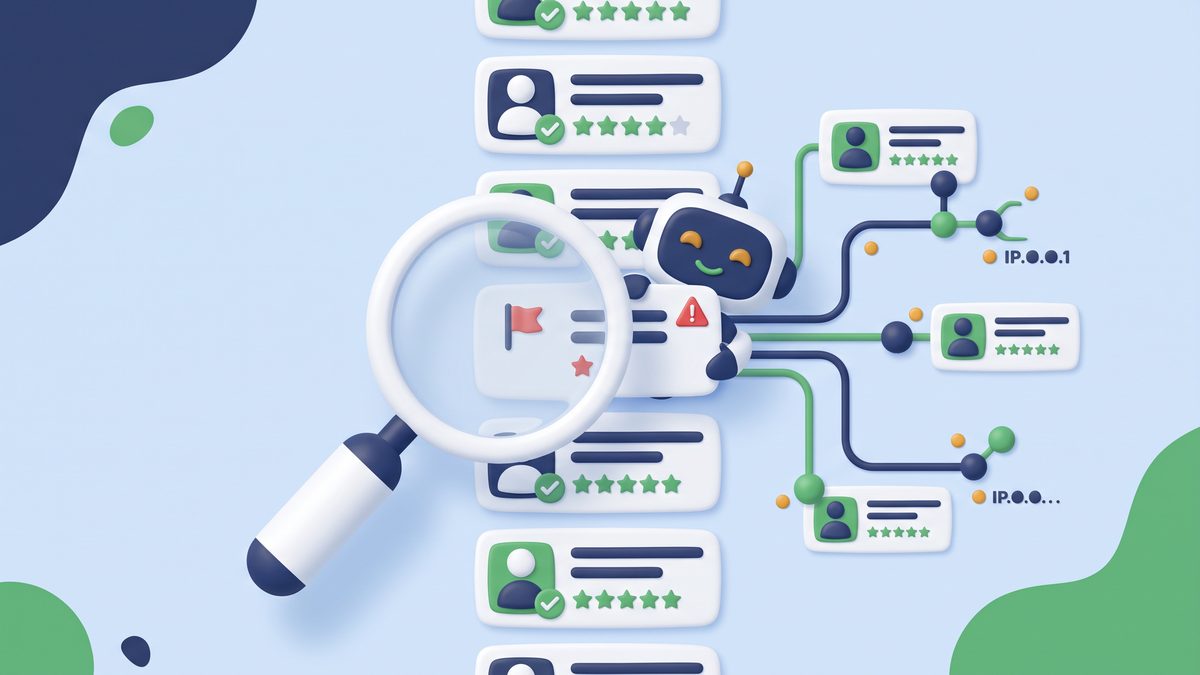
Google uses a machine learning system to find fake reviews, much of it before anyone sees them. According to Google, it blocked or removed more than 240 million policy-violating reviews in 2024, put posting restrictions on more than 900,000 accounts that kept breaking its rules, and removed or blocked more than 12 million fake Business Profiles.
Signals that tend to give a bot away include:
- Account history. New accounts with no photos, no other reviews, and no Local Guide activity stand out. A real Local Guide usually has a long, varied history across many places.
- Location data. Reviews from accounts that were never near the business location, or many accounts sharing the same IP addresses.
- Timing. A burst of reviews in a short period after months of quiet.
- Wording. Similar phrases, vague praise, and no details about the actual service.
Google can also go back and re-check old reviews to find new abuse patterns months after they were posted. In some countries it now shows a warning on listings where it recently removed suspicious five-star reviews. That means a fake review that slips through today can still get your listing flagged a few months from now. For a closer look, see our guide on how Google detects fake reviews.
What Happens If You Get Caught?
Businesses that use review bots or buy fake reviews can face serious consequences:
- Reviews removed. Google deletes the fake reviews, and real ones posted in the same period can disappear with them.
- Profile restrictions. Google can stop new reviews from being posted, show a public warning on your listing, or suspend your Business Profile.
- Lost visibility. A suspended or restricted profile can drop out of local search results and Google Maps entirely, and a lost profile is hard to win back.
- Legal action. FTC enforcement can bring civil penalties, and competitors can also sue.
- Reputation damage. When customers or reporters find out a business used fake reviews, trust drops, and it doesn’t come back quickly. Our article on the reputation risks of buying followers, likes, or fake reviews covers real cases.
Whatever money you saved by buying reviews, it rarely covers what you lose afterward.
Why Real Google Reviews Beat Fake Ones
Google reviews are often the first thing a customer sees about your company, before your website and before your service pages. Shoppers compare online ratings and online reviews across every location you run. They notice when positive reviews read like ad copy, and they notice when a business owner argues with a reviewer.
Fake Google reviews also don’t do the job you’d buy them for. When you buy Google reviews, you get star ratings with no details about the customer experience, and they won’t help your site or your listing on Google Maps for long. Real Google reviews describe a specific service, which helps Google match your business to more searches. Your company website can’t build trust that way on its own.
Real reviews also give you feedback on the customer experience. They show which location is slipping, which service people love, and where the process breaks down. Fake ones teach you nothing.
So focus your money on the process, not on accounts that post for you. Unlike other businesses that buy Google reviews and hope nobody checks, you’ll have Google reviews that hold up when Google re-checks them. Every business should focus on that kind of system.
The Legal Way to Automate Google Reviews
If you want more reviews without the risk, build a review system around real people:
- Optimize your Google profile. Fill out every field in your Google Business Profile, including each location, from hours and services to photos and a short review link.
- Ask everyone, every time. Send an automated SMS or email right after each sale or appointment. Don’t filter by how the customer felt.
- Make it easy. Use QR codes and NFC stands where customers wait or pay.
- Reply to every review. Thank people for positive feedback, and handle negative feedback in public with a fix. Google reviews you answer well become proof of quality.
- Use what you learn. Repeated complaints show you where to improve quality and service, and better service brings in more authentic reviews over time.
Authentic reviews help you rank higher in local search and in local SEO generally. They’re also what readers trust. Positive reviews and high quality reviews that mention a specific employee, product, or result persuade more people than dozens of one-line five-star ratings. Steady authentic Google reviews and new Google reviews each month also tell the algorithm that your business is active.
How many reviews do you need? There’s no fixed number. Compare yourself with the competitors that show up next to you on Google Maps. Aim to match how many reviews they have, then beat them on recency and on how often you reply. Our team handles this as part of online review management, so you get a steady flow of real reviews without breaking any rules.
If Bots Have Already Hit Your Profile

Maybe you used a review vendor in the past, or a competitor launched a fake-review attack on you. Either way, here’s how to clean it up:
- Flag reviews that break policy. On Google Maps, report each fake review with the “Report review” option. You can track their status through Google’s review management tool.
- Document everything. Keep screenshots, dates, and reviewer names. These details help if you escalate to Google support or take legal action.
- Stop buying reviews. If any vendor is still posting for you, cancel now, and don’t buy Google reviews again.
- Answer the real complaints. Not every bad rating comes from a bot. Answering real criticism is how you protect a strong online reputation.
Fake negative reviews do measurable damage, as we explain in how negative reviews impact a business. If you’re wondering whether a cleanup is worth it, Reputation Sciences can audit your profile, report reviews that violate policy, and rebuild your online reputation with real reviews, which supports long-term digital growth.
FAQ
Are review bots legal?
Bots that monitor reviews, draft replies, or send review requests to real customers are legal. Bots that write or post reviews are not. Fake reviews break Google’s policies and the FTC rule, and violators can be fined.
Can AI create Google reviews?
AI can write text that looks like a review, but posting it as a customer review is against the rules. The FTC rule names AI-generated fake reviews specifically, and Google removes them under its fake engagement policy.
How can you tell if a Google review was written by a bot?
Look at the reviewer’s profile. Warning signs include a brand-new account, no photo, reviews for businesses in places they couldn’t have visited, and vague wording with no details. Several reviews posted at once with similar phrasing are another red flag.
Is there a way to automate Google reviews?
Yes, and the process is simple. You can automate the request, not the review. Use SMS, email, QR codes, or NFC to ask every customer for a review, and use reply tools to respond faster. The customer still writes the review.
How much do review bots cost?
Reply and request tools usually charge a monthly subscription. Fake-review bots and vendors that sell reviews are cheap at first. But a single fake review can count as a separate FTC violation, so a cheap pack of reviews can lead to fines far larger than its price, and to a suspended profile.
Is there a free bot that creates Google reviews?
Free bots that post reviews exist, and they’re just as banned as paid ones. Many also steal login details or hijack accounts. Google regularly catches them and removes the reviews. Spend that effort getting real reviews from your customers instead.
